
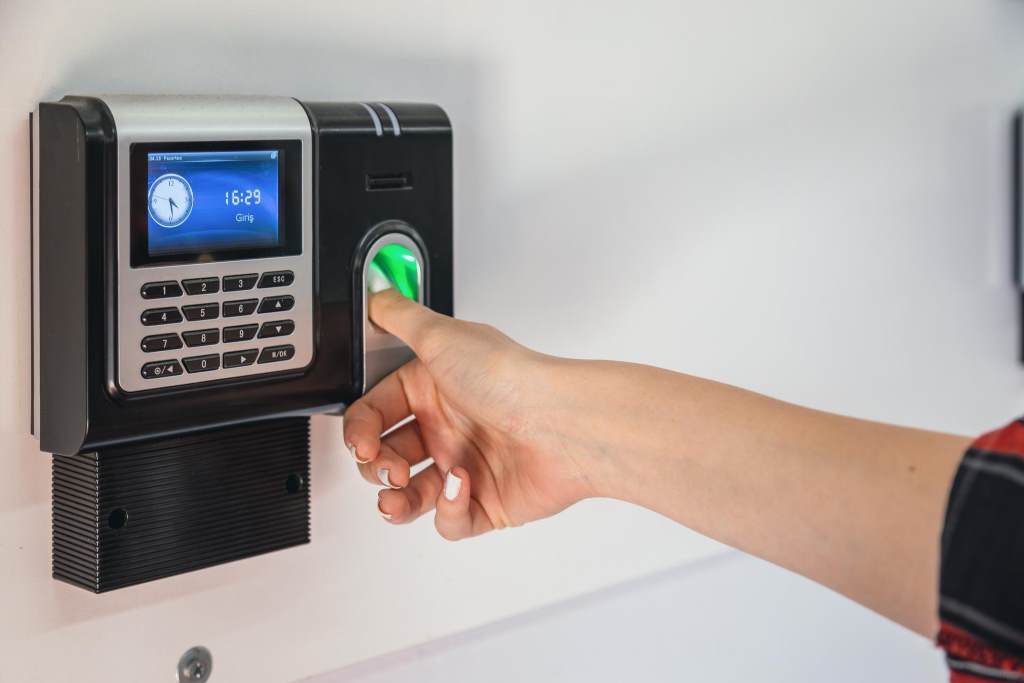
Managing employee attendance has moved far beyond paper registers and manual tracking. Today, businesses rely on biometric systems to ensure accuracy, transparency, and efficiency. According to a report by the National Institute of Standards and Technology, modern biometric systems can achieve accuracy rates above 99 percent under controlled conditions. At the same time, a study from International Labour Organization highlights that automated attendance systems can improve workforce productivity by up to 20 percent.
As workplaces grow more dynamic, choosing the right biometric attendance machine becomes a critical decision. This guide explains how to select a reliable system that fits your needs and supports long term business growth.
What Is a Biometric Attendance Machine
A biometric attendance machine records employee attendance using unique biological traits. These traits include fingerprints, facial features, iris patterns, or voice recognition.
Unlike traditional systems, biometric devices eliminate proxy attendance and manual errors. They also provide real time data, which helps managers track attendance patterns more effectively.
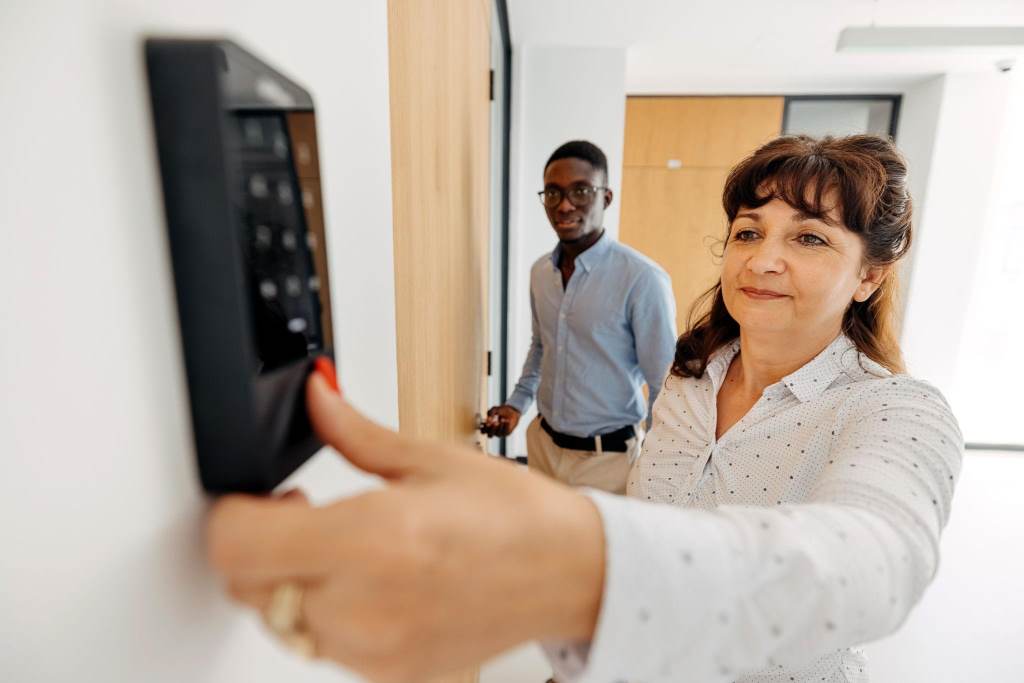
Common Types of Biometric Systems
- Fingerprint recognition systems
- Facial recognition systems
- Iris scanning devices
- Voice recognition systems
Each type serves different workplace needs. Therefore, understanding your environment is the first step toward making the right choice.
Why Reliability Matters in Biometric Systems
Reliability directly impacts daily operations. If a system fails frequently, it creates delays, frustration, and inaccurate records.
A reliable biometric attendance machine ensures:
- Accurate employee tracking
- Smooth daily operations
- Secure data handling
- Reduced administrative workload
Moreover, dependable systems build trust among employees and management. This trust leads to better adoption and consistent use.
Key Factors to Consider Before Choosing a Biometric Attendance Machine
1. Accuracy and Performance
Accuracy should always be your top priority. A good system must correctly identify users every time.
Look for devices with:
- Low false acceptance rate
- Low false rejection rate
- Fast recognition speed
High accuracy reduces errors and prevents attendance disputes. It also improves overall efficiency.
2. Type of Biometric Technology
Different workplaces require different technologies.
- Fingerprint systems work well in offices with controlled environments
- Facial recognition suits contactless needs and high traffic areas
- Iris scanners offer high security but may require higher investment
Choose a system that aligns with your work conditions and security level.
3. Ease of Use
Employees should find the system simple and quick to use. Complicated systems lead to delays and resistance.
A user friendly interface should include:
- Clear display
- Simple instructions
- Fast processing time
Additionally, training should be minimal. The easier the system, the faster employees adopt it.
4. Integration with Existing Systems
Modern workplaces use multiple software tools. Therefore, your biometric system should integrate easily with:
- Payroll systems
- HR management software
- Access control systems
Integration ensures seamless data flow. It also reduces manual work and improves accuracy.
5. Data Security and Privacy
Biometric data is sensitive. Protecting this data is essential for compliance and trust.
Ensure the system offers:
- Data encryption
- Secure storage
- Access control features
Moreover, follow local data protection laws. This step helps avoid legal issues and builds employee confidence.
6. Scalability
Your business will grow. Therefore, your biometric system should grow with it.
Choose a system that supports:
- Additional users
- Multiple locations
- Cloud based expansion
Scalable solutions save time and reduce future replacement costs.
7. Environmental Compatibility
Work environments vary. Some are clean offices, while others are industrial settings.
Consider:
- Dust resistance
- Temperature tolerance
- Lighting conditions
For example, fingerprint systems may struggle in dusty environments. In such cases, facial recognition works better.
8. Speed and Capacity
High traffic workplaces need fast systems. Slow devices create queues and waste time.
Check for:
- Recognition time under one second
- High user capacity
- Efficient data processing
Speed ensures smooth entry and exit for employees.
Advanced Features That Add Value
Real Time Monitoring
Real time tracking helps managers monitor attendance instantly. It also supports better decision making.
Cloud Connectivity
Cloud based systems allow remote access. Managers can view attendance data from anywhere.
Mobile App Integration
Some systems offer mobile apps. These apps provide flexibility and convenience for both employees and managers.
Reporting and Analytics
Detailed reports help identify trends. They also support workforce planning and performance evaluation.
Common Mistakes to Avoid
Choosing the wrong system can create long term issues. Avoid these common mistakes:
- Ignoring scalability needs
- Choosing based only on cost
- Overlooking data security
- Selecting complex systems without proper training
- Not testing the system before purchase
Making informed decisions helps prevent these problems.
Real World Example
A mid sized company replaced its manual attendance system with a biometric solution. Within three months, the company reduced attendance errors by 90 percent.
Additionally, payroll processing time dropped by 40 percent. Employees also reported higher satisfaction due to fair tracking.
This example shows how the right system can transform workplace efficiency.
How to Evaluate Vendors
Before finalizing your choice, evaluate vendors carefully.
Key Evaluation Criteria
- Experience in biometric solutions
- Customer reviews and case studies
- Technical support availability
- Product certifications
Questions to Ask
- How accurate is the system in real conditions
- Does it support integration with existing tools
- What security measures are included
- How easy is it to scale the system
Clear answers help you make confident decisions.
Future Trends in Biometric Attendance Systems
Technology continues to evolve. Future systems will offer:
- AI powered recognition
- Improved contactless solutions
- Enhanced data security
- Better user experience
Staying updated ensures your workplace remains competitive and efficient.
Conclusion
Choosing a reliable biometric attendance machine requires careful planning. Focus on accuracy, usability, integration, and security. At the same time, consider your workplace environment and future growth.
A well chosen system improves efficiency, reduces errors, and builds trust. Take time to evaluate options and select a solution that supports your long term goals. Start exploring reliable systems today and upgrade your attendance management process with confidence.
FAQs
What is the best biometric attendance system for offices
The best system depends on your needs. Fingerprint systems suit small offices, while facial recognition works better for larger and contactless environments.
Are biometric attendance machines secure
Yes, modern systems use encryption and secure storage to protect data. However, proper configuration and compliance are essential.
Can biometric systems integrate with payroll software
Most modern systems support integration with payroll and HR software. This feature improves efficiency and reduces manual work.
Do biometric systems work in harsh environments
Some systems are designed for tough conditions. Choose devices with dust resistance and temperature tolerance for industrial use.
How long does it take to implement a biometric system
Implementation usually takes a few days to a few weeks. The timeline depends on system complexity and workplace size.