
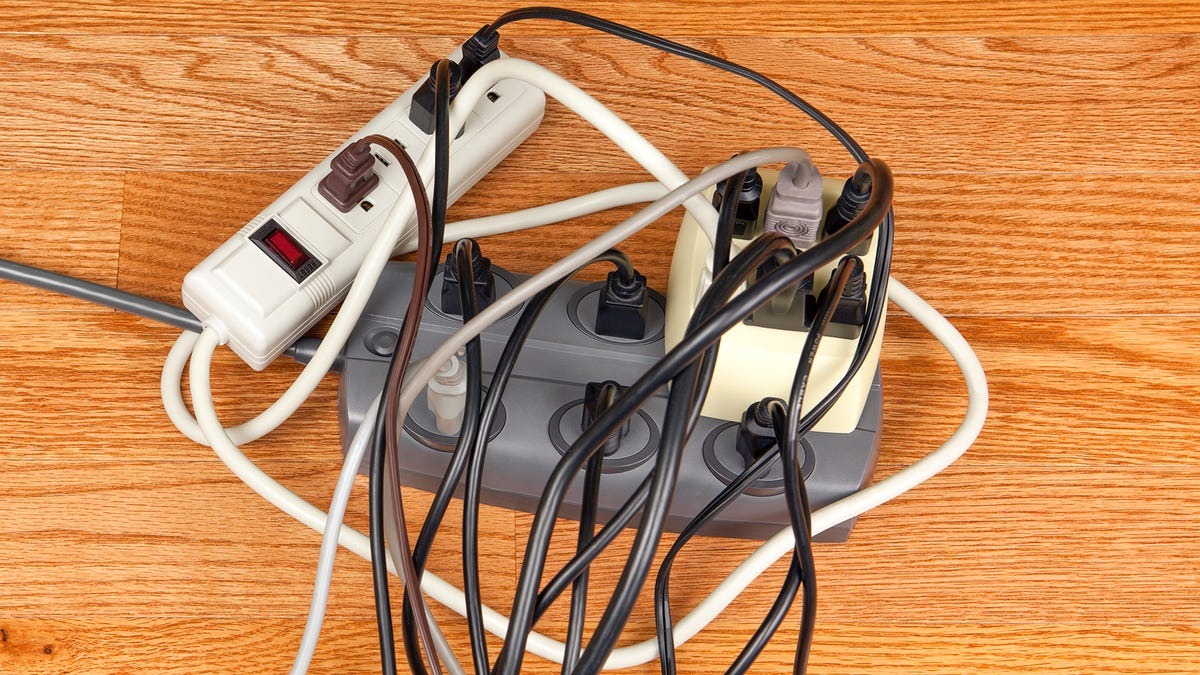
Imagine this: It’s a busy Tuesday morning in your office. The team huddles around computers, printers hum, and coffee machines brew. Suddenly, a flicker in the lights. A power spike hits. Your surge protector, that quiet hero under the desk, absorbs the hit. But what if it can’t? What if it’s already tired from years of silent battles?
Surge protectors guard office gear from voltage spikes. These spikes come from lightning, grid switches, or even the AC kicking on. They divert extra energy to ground. Simple, right? Yet, they wear down over time. Metal oxide varistors inside absorb surges until they give out. In offices, where devices run nonstop, this happens faster.
Data shows the stakes. The National Fire Protection Association reports over 44,000 electrical fires yearly in the US. Many tie to faulty wiring or old protectors. A 2023 IEEE study notes 60-80% of surges start inside buildings, like from heavy appliances. In commercial spots, that’s a daily risk. One bad surge, and laptops fry. Downtime costs thousands.
This guide walks you through spotting a worn surge protector. We cover signs, tests, and fixes. You get practical steps for your office. No tech jargon. Just real talk to keep your setup humming.
Why Surge Protectors Matter in Office Settings
Offices pulse with electronics. Desks hold monitors, chargers, and lamps. Conference rooms pack projectors and speakers. Kitchens run fridges and microwaves. All draw power. All face surges.
Power surges spike voltage fast. A normal 120V line jumps to 500V or more in milliseconds. Devices can’t handle it. Capacitors burst. Boards scorch. In 2024, a Consumer Reports survey found 25% of office workers lost data to surges last year.
Surge protectors act as shields. They clamp voltage at safe levels, often 330V max per UL standards. Point-of-use models plug into outlets. Whole-building ones guard panels. In offices, mix both for layers.
But they aren’t forever. Each surge chips away at joule capacity. A 1000-joule unit absorbs that much before fading. Offices see micro-surges daily from lights flipping or doors slamming. Overload it, and protection vanishes. Your “safe” strip becomes a fire risk.
Think of Sarah’s team. In a mid-sized marketing firm, old strips daisy-chained under desks. A storm hit. Laptops died. Hours lost. Turns out, protectors showed burn marks months earlier. Spotting wear early saves headaches.
Common Signs Your Office Surge Protector Is Failing
Spot trouble before it strikes. Look close during routine checks. Walk the floor. Peek under desks. Train staff to flag issues. Here are key red flags.
Visible Damage Tells a Story
Cracks in the casing scream trouble. Plastic splits from heat or drops. Frayed cords expose wires. Touch them? Risk shocks. In one 2025 facility report from OSHA, 15% of office fires linked to damaged cords.
Burn marks or melting? Dark spots near outlets mean overheating. Discoloration hints at internal shorts. Rust or corrosion? Humidity in server rooms speeds this. If you see any, unplug now.
Loose plugs fit poorly. They wobble. Sparks fly on insert. This arcs electricity. Over time, it erodes contacts. Check every outlet slot.
Odd Smells and Sounds Signal Danger
Burnt toast smell? Not lunch. It’s insulation melting. Sniff near strips after use. Early catch prevents fires.
Buzzing or humming? Healthy ones stay quiet. Noise means arcing inside. Clicking? Breakers trip often. In a 2024 commercial audit by Underwriters Laboratories, 30% of faulty units buzzed before failing.
Heat Builds Up Quietly
Feel the unit after an hour. Warm? Okay if light. Hot to touch? Danger. Overloaded or degraded components generate heat. NIST research from 2023 shows overheating causes 40% of protector failures in high-use areas like offices.
Indicator Lights Go Dark
Many models have LEDs. Green means good. Red or off? Protection gone. No light? MOVs likely burned out. A 2025 Anker study found 70% of users ignore this till too late.
Devices act up? Plugged gear flickers or resets. That’s the protector failing to clamp surges. Test by swapping to a wall outlet. If stable, blame the strip.
Step-by-Step Guide to Testing Surge Protectors in the Office
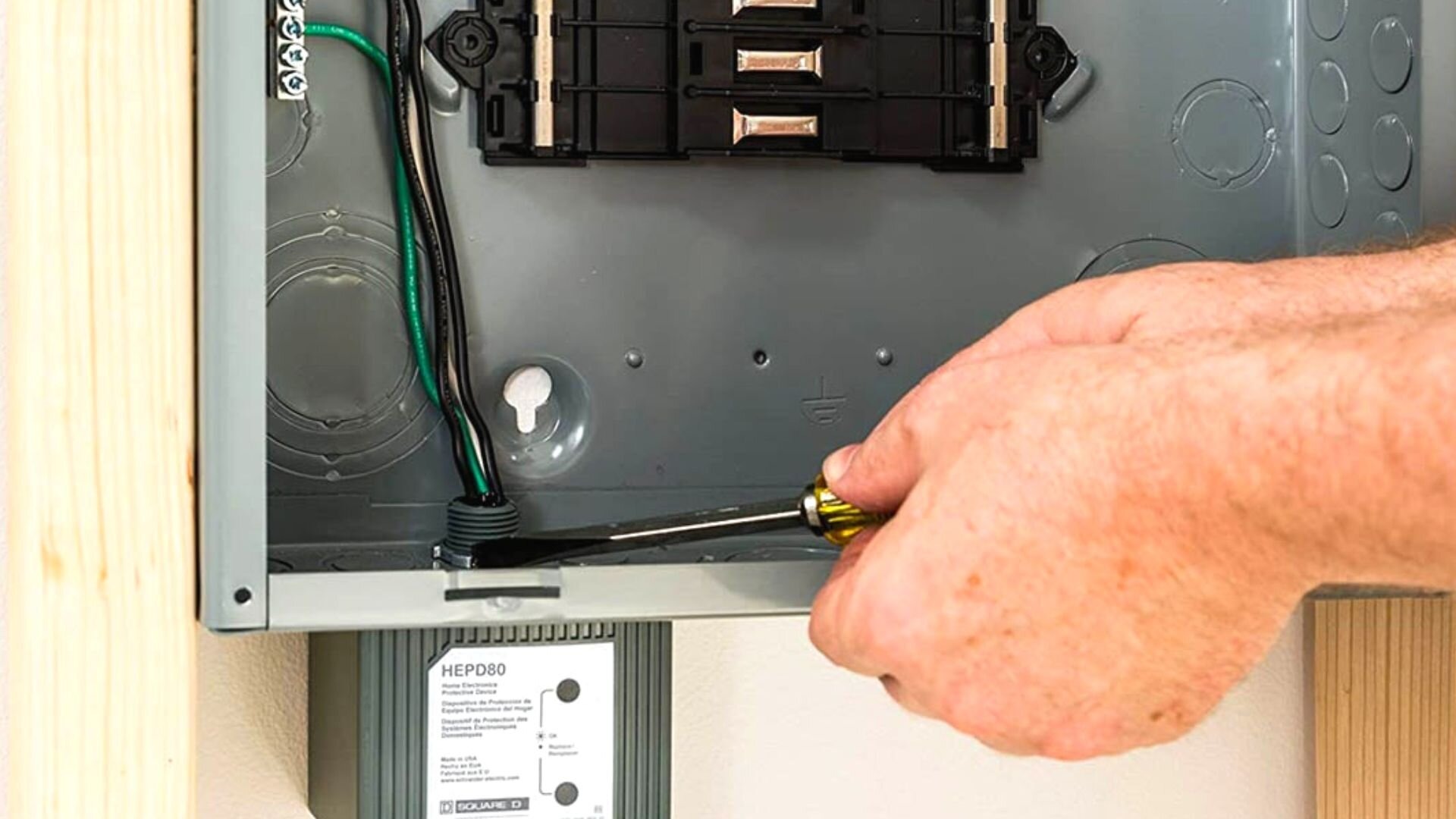
Don’t guess. Test. Start simple. Escalate if needed. Safety first: Unplug before pokes.
Quick Visual and Tactile Inspection
- Unplug everything. Power off.
- Scan for cracks, frays, burns. Use a flashlight under desks.
- Feel the body. Cool? Good. Warm spots? Note them.
- Check cords. Flex gently. No breaks.
Do this weekly. Log findings in a shared sheet. Teams stay alert.
Use Built-In Indicators
Plug in. Watch lights. Green steady? Active. Flickering or red? Replace. Audible alarms beep on fault. Listen during peak hours.
For no-indicator models, plug a lamp. Surge simulation? Hard without gear. But watch for glitches.
Multimeter Checks for Deeper Dives
Grab a digital multimeter. Set to AC volts.
- Plug protector into wall.
- Insert probes: Black to ground, red to hot slot.
- Read voltage. Should match outlet, around 120V.
- Swap to protected outlet. Same? Basic pass.
For resistance: Unplug. Set to ohms. Probe input-output. High resistance (megaohms) means intact. Low? MOV degraded.
Not comfy? Call an electrician. Office pros handle this.
Advanced Testing with Tools
Outlet tester plugs in. Lights show wiring faults. Green all? Grounded right.
For full proof, use a surge simulator. Labs offer it. Costly for small offices, but yearly checks pay off.
In a 2025 case from a Chicago co-working space, monthly multimeter tests caught 20 failing units. Saved $5K in gear.
Factors That Speed Up Wear in Office Environments
Offices aren’t gentle. Multiple factors grind protectors down.
High load counts first. Daisy-chain strips? Overload city. One 15-amp unit handles five laptops max. Add heaters? Boom.
Frequent surges hit hard. Storm-prone areas see 50+ yearly. Grid flips add more. A 2024 PGE report logs 80% internal surges from office appliances.
Dust clogs vents. Heat traps inside. Clean quarterly with compressed air.
Humidity and heat? Server rooms sweat. Condensation corrodes. Keep under 50% RH.
Age matters. Replace every 2-3 years. Post-major surge? Immediate swap.
Case in point: A Texas law firm ignored loads. Strips overheated. Fire shut them down for days. Cost? $10K plus rep.
Maintenance Routines to Extend Surge Protector Life
Prevent beats cure. Build habits.
- Clean Regularly: Wipe dust monthly. Vacuum cords. No water.
- Load Balance: Spread devices. No more than 80% capacity.
- Position Smart: Away from traffic. Not coiled tight.
- Log Surges: Note storms. Inspect after.
- Train Staff: Spot signs. Report heat or smells.
Quarterly audits: Test all. Tag dates. Rotate stock.
For big offices, layer protection. Panel SPDs catch big hits. Point units handle locals.
A 2025 Hanover Insurance guide pushes zones: Entry, mid, end. Cuts risk 70%.
Real-World Examples: When Worn Protectors Caused Office Chaos
Stories hit home.
In Seattle, a tech startup daisy-chained old strips. Lightning struck nearby. No clamp. Ten servers crashed. Data gone. Rebuild: $20K. Lesson? Check indicators.
Florida accounting firm. Humid summer. Corroded units sparked. Fire in file room. Evac. Lost papers. Insurance covered, but trust dipped.
NYC ad agency. Buzzing ignored. Overheat fried printers mid-pitch. Deadline missed. Client walked.
These from 2023-2025 ESFI reports. Common thread: Ignored signs.
Choosing Better Surge Protectors for Your Office
Pick right from start. Look for UL 1449. High joules: 2000+. Low clamp: 330V.
Response time: Nanoseconds. EMI filter for clean power.
Office picks: Rack-mount for IT. Wide for desks.
Layer: Whole-building first. Then points.
Related Topics: Fixing a Paper Jam in a Postage Meter in the Office
Conclusion
Spotting a worn surge protector saves your office. Watch for damage, heat, lights, and glitches. Test with eyes, hands, and tools. Maintain loads and clean. Stories show the cost of skip.
Act now. Audit your setup today. Swap suspects. Train your team. Safe office means smooth work. Your gear thanks you.
Related Topics: Adjusting the Color on a Business Projector in the Office
FAQs
What Causes Surge Protectors to Wear Out Fast in Offices?
Heavy loads from multiple devices overload them. Frequent internal surges from appliances chip away. Dust and humidity speed corrosion. Replace every 2-3 years.
How Often Should You Check Office Surge Protectors?
Weekly visuals. Monthly tests. Quarterly full audits. After storms, inspect right away.
Can You Test a Surge Protector Without Tools?
Yes. Feel for heat. Watch lights. Sniff for burns. Plug a device and monitor glitches.
What’s the Difference Between a Surge Protector and Power Strip?
Power strips add outlets. Surge protectors add protection. Some combine both. Always pick ones with surge features for offices.
Do All Surge Protectors Have Indicator Lights?
No. Basic ones don’t. Opt for models with LEDs or alarms for easy status checks.