
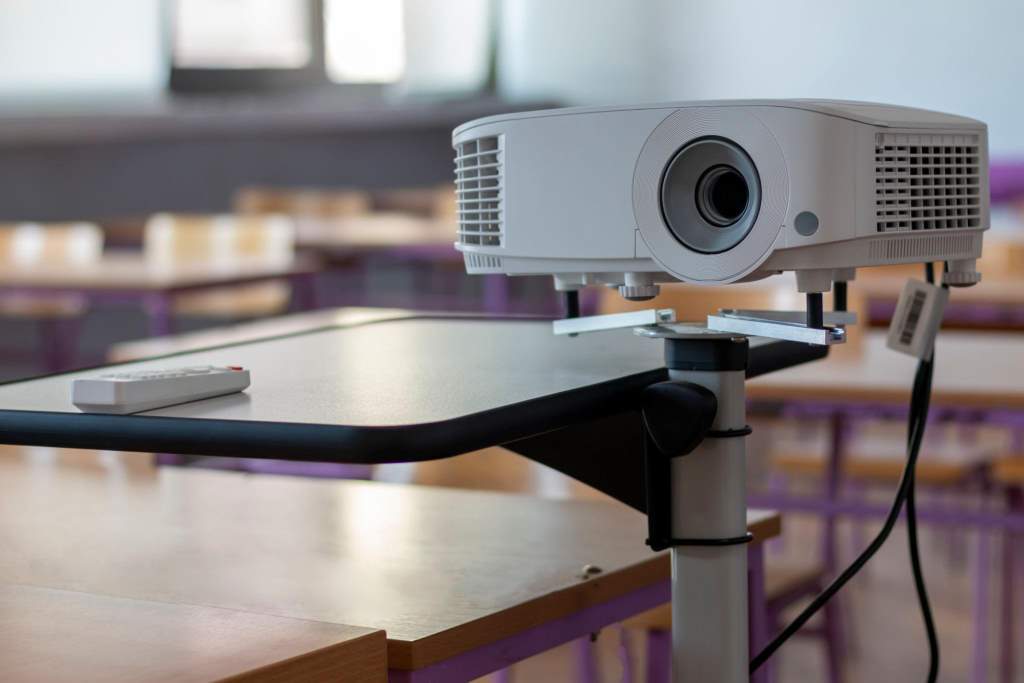
Choosing the right projector stand can make or break your viewing experience. A shaky or poorly adjusted stand can ruin presentations, movie nights, or professional setups. Studies from the National Institute of Standards and Technology highlight that equipment stability directly affects performance accuracy and user satisfaction. At the same time, flexibility matters just as much, especially when you need quick adjustments for different spaces. This guide explains how to pick a projector stand that delivers both stability and flexibility, using simple, practical advice you can apply right away.
Why Stability and Flexibility Matter
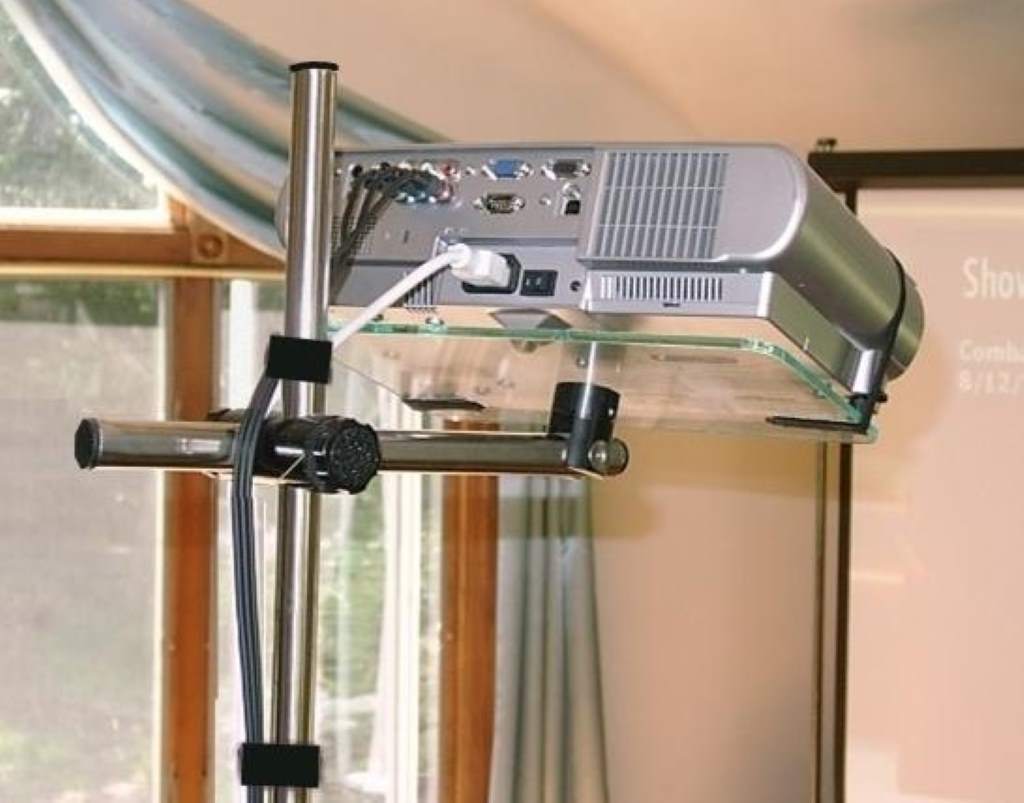
A projector stand is not just a support tool. It directly affects image quality, safety, and ease of use.
Stability ensures:
- No shaking or vibration during use
- Consistent image alignment
- Protection from accidental falls
Flexibility allows:
- Easy height and angle adjustments
- Use in different environments
- Better positioning for different screen sizes
Without these two factors, even the best projector will struggle to perform well.
Types of Projector Stands
Understanding the main types helps you choose faster and smarter.
Tripod Stands
Tripod stands are lightweight and portable. They work well for presentations and temporary setups.
Best for:
- Offices
- Classrooms
- Travel use
Fixed Platform Stands
These stands offer a solid base and higher weight capacity.
Best for:
- Home theaters
- Permanent setups
Ceiling and Wall Mount Alternatives
While not traditional stands, these options provide maximum stability.
Best for:
- Dedicated viewing rooms
- Long term installations
Key Factors to Consider Before Buying
1. Build Quality and Material
Material determines durability and stability. Strong materials reduce wobbling and increase lifespan.
Look for:
- Steel or aluminum frames
- Reinforced joints
- Anti slip surfaces
2. Weight Capacity
Always check how much weight the stand can handle.
A good rule:
- Choose a stand that supports at least 25% more than your projector weight
This ensures safety and long term use.
3. Height Adjustment Range
Flexibility depends heavily on adjustable height.
A wider range allows:
- Tabletop use
- Standing presentations
- Ceiling level projection
4. Tilt and Rotation Features
Angle control helps you get the perfect image alignment.
Look for:
- 360 degree rotation
- Tilt adjustment knobs
- Locking mechanisms
These features prevent constant repositioning.
5. Portability and Storage
If you move your setup often, portability matters.
Key features include:
- Foldable design
- Lightweight frame
- Carrying case
6. Surface Size and Grip
The platform must securely hold your projector.
Important details:
- Non slip padding
- Raised edges
- Enough surface area
Common Mistakes to Avoid
Many buyers focus only on price or design. However, that leads to poor performance.
Avoid these mistakes:
- Ignoring weight limits
- Choosing unstable lightweight models
- Skipping adjustability features
- Not checking compatibility with your projector
Instead, prioritize function over appearance.
Best Use Cases and Setup Tips
For Home Theater
- Choose a fixed or heavy base stand
- Keep it at eye level
- Ensure stable flooring
For Office Presentations
- Use a tripod stand
- Adjust height for audience visibility
- Keep cables organized
For Outdoor Use
- Pick a sturdy stand with wide legs
- Avoid uneven ground
- Use additional weights if needed
How Stability Affects Image Quality
Even slight movement can distort the image. A stable stand keeps the projector aligned with the screen.
Effects of poor stability:
- Blurry visuals
- Misalignment
- Constant readjustment
According to research from the International Organization for Standardization, equipment stability plays a key role in maintaining consistent output quality.
How Flexibility Improves User Experience
Flexibility saves time and effort. It allows you to quickly adapt to different environments.
Benefits include:
- Faster setup
- Better viewing angles
- More comfortable presentations
This is especially useful for professionals who switch locations frequently.
Comparing Portable vs Fixed Stands
| Feature | Portable Stand | Fixed Stand |
| Stability | Moderate | High |
| Flexibility | High | Low |
| Setup Time | Quick | Longer |
| Best Use | Travel, presentations | Home setups |
Choose based on your main usage.
Real Life Example
Imagine a business presenter who travels weekly. A portable tripod stand helps them set up quickly in different rooms. However, a home theater enthusiast benefits more from a heavy base stand that never moves.
Matching the stand to your use case makes a big difference.
Maintenance Tips for Long Term Use
To keep your stand reliable:
- Tighten screws regularly
- Clean dust and debris
- Store in a dry place
- Avoid overloading
Simple care extends lifespan and maintains performance.
Conclusion
Picking the right projector stand is about balance. You need both stability and flexibility to get the best results. Focus on strong materials, proper weight capacity, and adjustable features. Avoid common mistakes and match the stand to your specific use case. When you choose wisely, your projector setup becomes smoother, safer, and more enjoyable. Take a moment to evaluate your needs and invest in a stand that truly supports your setup.
FAQs
What is the most stable type of projector stand?
Fixed platform stands offer the highest stability due to their solid base and heavier build.
Can I use a tripod stand for a heavy projector?
You can, but only if it supports the projector weight with extra capacity for safety.
How important is height adjustment?
Height adjustment is essential for proper alignment and flexible use in different environments.
Are portable projector stands durable?
Yes, if made from strong materials like aluminum or steel. Always check build quality.
How do I prevent my projector from slipping?
Use stands with non slip surfaces and ensure the projector sits evenly on the platform.