
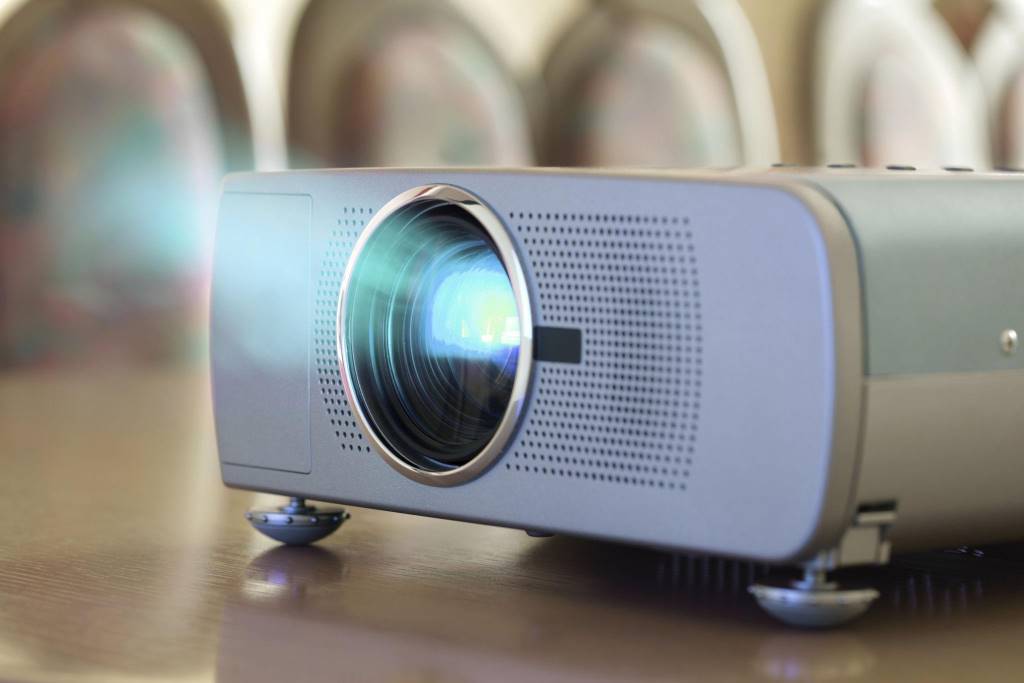
Choosing the right projector can directly affect how your ideas are received in meetings and presentations. A clear, bright image keeps your audience focused, while poor visuals can distract and reduce impact. According to research from the U.S. Department of Education, visual aids improve learning retention by up to 42 percent. Additionally, a study by 3M shows that presentations with visuals are processed 60,000 times faster than text alone. That means the best projector is not just a device. It is a communication tool that shapes how your message lands.
Why Choosing the Right Projector Matters
A projector plays a central role in office communication. It supports meetings, training sessions, and client presentations. Therefore, selecting the right one improves clarity, engagement, and professionalism.
A poor choice leads to dim images, blurry text, or connection issues. As a result, even strong content can lose its impact. On the other hand, a well chosen projector enhances visibility and ensures your audience stays engaged from start to finish.
Key Factors to Consider Before Buying
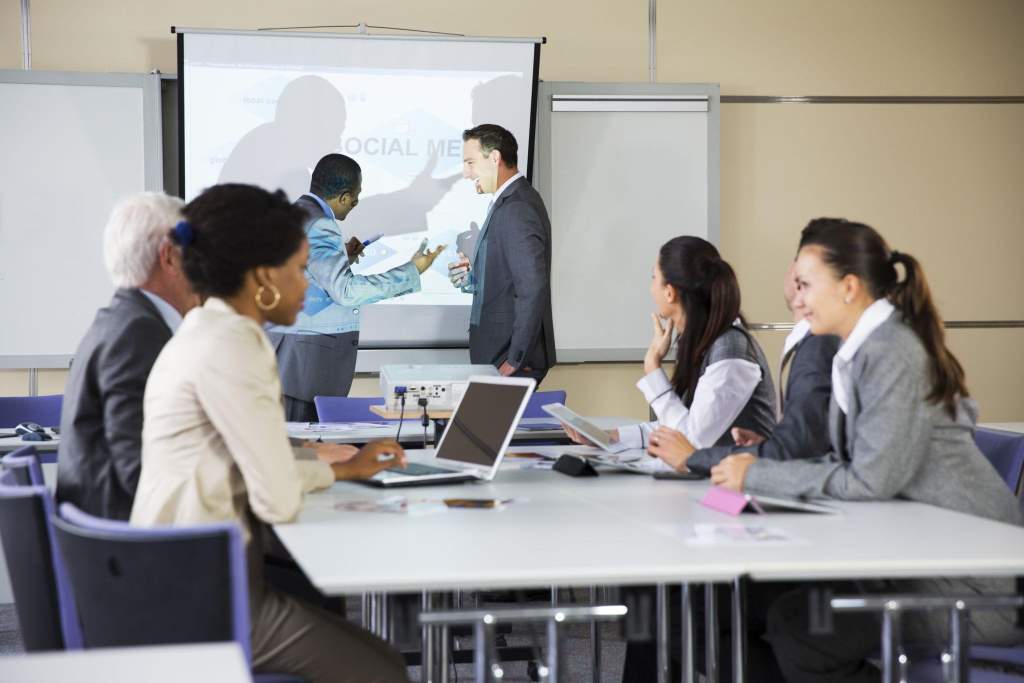
1. Brightness and Lumens
Brightness determines how well your projector performs in different lighting conditions. It is measured in lumens.
For office use, you should consider:
- 2000 to 3000 lumens for small rooms with low light
- 3000 to 4000 lumens for standard meeting rooms
- 4000+ lumens for large or well lit spaces
Higher brightness ensures your slides remain visible even when lights are on. Therefore, it reduces the need to darken the room.
2. Resolution for Clear Content
Resolution defines image sharpness. It becomes critical when displaying text, charts, and detailed visuals.
Common options include:
- HD resolution for basic presentations
- Full HD for sharp text and images
- 4K for highly detailed visuals and large screens
If your presentations include data heavy slides or design elements, higher resolution improves readability and professionalism.
3. Throw Distance and Screen Size
Throw distance refers to how far the projector sits from the screen. This factor affects room setup.
Types include:
- Standard throw for medium rooms
- Short throw for smaller spaces
- Ultra short throw for tight setups close to the wall
Choosing the right type ensures proper image size without awkward placement.
4. Connectivity Options
Modern offices rely on multiple devices. Therefore, your projector must support flexible connectivity.
Look for:
- HDMI ports for laptops
- USB ports for direct file access
- Wireless screen sharing
- Compatibility with mobile devices
Wireless connectivity, in particular, improves convenience during meetings and reduces cable clutter.
5. Portability and Design
Some offices need a fixed setup, while others require mobility. If you frequently move between rooms, a lightweight and compact projector works best.
However, for conference rooms, a mounted projector offers stability and consistent alignment.
6. Contrast Ratio for Image Depth
Contrast ratio controls the difference between dark and light areas. A higher ratio produces richer visuals.
This becomes important when presenting videos, graphics, or slides with varied colors. Better contrast improves clarity and visual appeal.
Types of Projectors for Office Use
1. LCD Projectors
LCD projectors deliver bright and sharp images. They work well in business settings where text clarity matters.
Advantages include:
- Strong color accuracy
- Clear text display
- Reliable performance
2. DLP Projectors
DLP projectors offer smooth visuals and better motion handling. They suit presentations that include videos.
Benefits include:
- Compact design
- High contrast levels
- Minimal maintenance
3. LED Projectors
LED projectors focus on energy efficiency and long life. They are ideal for regular use without frequent replacements.
Key features include:
- Lower power consumption
- Consistent brightness
- Compact size
4. Laser Projectors
Laser projectors provide high brightness and durability. They are often used in large offices and conference halls.
Advantages include:
- Instant startup
- Stable brightness over time
- Minimal maintenance
Understanding Aspect Ratio
Aspect ratio defines the shape of the image.
Common formats include:
- 4:3 for traditional presentations
- 16:9 for widescreen content
- 16:10 for modern business use
Most offices prefer 16:9 or 16:10 since they match modern laptops and presentation formats.
Audio Capabilities
While visuals are the main focus, audio also matters. Built in speakers can support small meetings. However, for larger rooms, external speakers provide better sound quality.
Clear audio ensures your message reaches every attendee without strain.
Ease of Setup and Use
A projector should be simple to set up and operate. Complex systems waste time during meetings.
Look for features like:
- Auto keystone correction
- Quick start functionality
- User friendly interface
- Remote control or app support
These features help you start presentations quickly and avoid technical delays.
Maintenance and Durability
Durability matters for long term use. Office projectors often run for extended hours.
Consider:
- Dust resistance
- Cooling efficiency
- Long lasting light source
Low maintenance models reduce downtime and improve productivity.
Practical Tips for Choosing the Right Projector
- Evaluate your room size and lighting conditions
- Match resolution with your presentation content
- Choose proper throw distance based on space
- Ensure compatibility with your devices
- Consider future needs like hybrid meetings
These steps help you make a practical and informed decision.
Common Mistakes to Avoid
Many buyers focus only on price or brand. However, that often leads to poor results.
Avoid these mistakes:
- Ignoring brightness requirements
- Choosing low resolution for data heavy slides
- Overlooking connectivity needs
- Selecting the wrong throw type
By avoiding these issues, you ensure better performance and value.
Real World Example
A mid sized company upgraded from a low brightness projector to a high lumen model. As a result, meeting efficiency improved because employees no longer struggled to read slides in daylight. Additionally, client presentations became more engaging, leading to stronger communication outcomes.
This shows how the right projector can directly influence business results.
Future Trends in Office Projectors
Technology continues to evolve. Modern projectors now include smart features that enhance usability.
Emerging trends include:
- Wireless collaboration tools
- Integration with cloud platforms
- Improved energy efficiency
- Compact designs with high performance
These advancements make projectors more versatile and easier to use.
Conclusion
Choosing the best projector for office and presentation needs requires careful evaluation of brightness, resolution, connectivity, and room setup. Each factor plays a role in how effectively you deliver your message. A well selected projector improves clarity, engagement, and professionalism in every meeting.
Take time to assess your needs, compare features, and choose a model that aligns with your workflow. The right decision will enhance communication and leave a lasting impression on your audience.
FAQs
What brightness is best for office projectors?
For most offices, 3000 to 4000 lumens works well. Larger or brighter rooms may require higher brightness.
Is 4K resolution necessary for office use?
Not always. Full HD is sufficient for most presentations. However, 4K helps when displaying detailed visuals.
Can I use a projector in a well lit room?
Yes, but you need a high brightness projector to maintain image clarity.
What is the best projector type for presentations?
LCD projectors are ideal for text clarity, while DLP works better for video content.
How important is wireless connectivity?
It improves convenience and allows easy sharing from multiple devices without cables.