
Selecting the right office equipment for your business can make or break your operational efficiency. Yet, many businesses overlook the importance of this decision, ending up with costly, inefficient setups. According to a study by Deloitte, companies that invest wisely in office technology improve employee productivity by up to 20%. Therefore, understanding how to choose the right office equipment for your business is critical for long-term success.
Understand Your Business Needs First
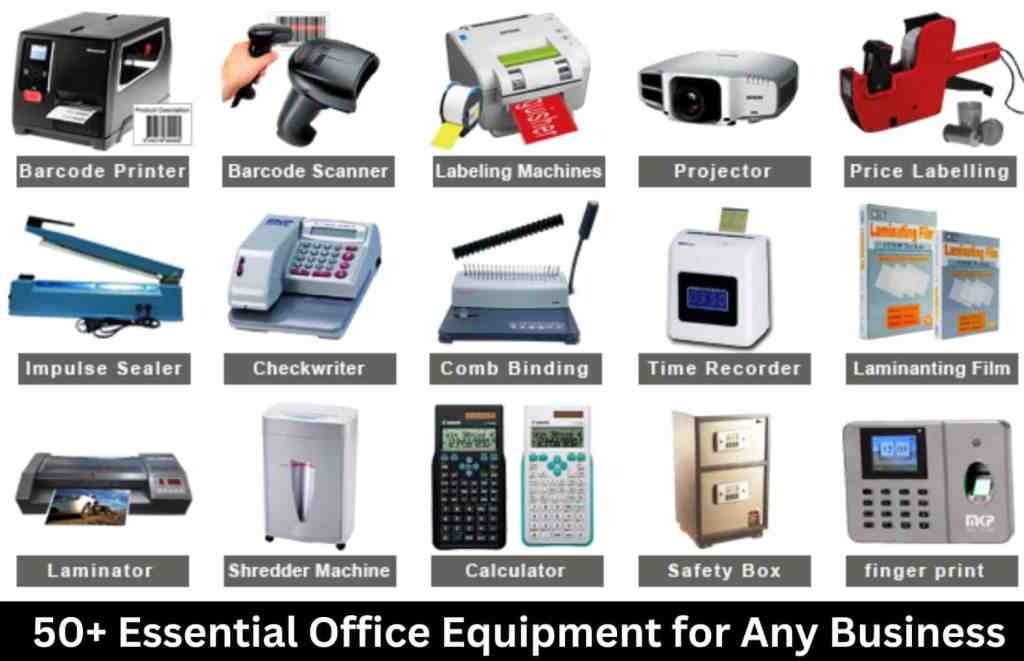
Before purchasing any equipment, analyze your daily operations thoroughly. What kind of work does your team do? For example, a graphic design firm needs high-performance computers and large-format printers, while a call center requires headsets and multiple monitors. A survey by Small Business Trends reports that 45% of small business owners fail to evaluate their equipment needs properly before buying, which results in wasted budget and poor performance.
Additionally, consider future growth. Equipment that fits your current workload but cannot scale with your business may force you to reinvest prematurely. Therefore, when planning your purchases, always ask whether the equipment can support your evolving needs.
Prioritize Quality Over Price, But Know Your Limits
It’s tempting to cut costs by choosing cheaper equipment, but this often leads to frequent repairs and replacements. According to Consumer Reports, investing in high-quality office machines can reduce downtime by 30%. However, quality doesn’t always mean the most expensive. Mid-range products from reputable brands often balance durability and affordability effectively.
On the other hand, startups or very small businesses with tight budgets might benefit from leasing equipment rather than buying outright. Leasing can reduce upfront costs and provide flexibility to upgrade later. As Forbes points out, leasing also transfers maintenance responsibility to the vendor, which can be a major benefit for smaller operations.
Evaluate Technology Compatibility
Technology compatibility plays a crucial role in maximizing efficiency. Equipment should seamlessly integrate with your existing systems and software. For example, buying a printer that doesn’t support your network’s operating system or mobile printing capabilities can create bottlenecks.
Research and ask vendors about compatibility before purchasing. Technology changes rapidly, so opt for equipment with firmware or software update options. This future-proofs your investment, allowing your devices to stay relevant longer.
Consider Ergonomics and User-Friendliness
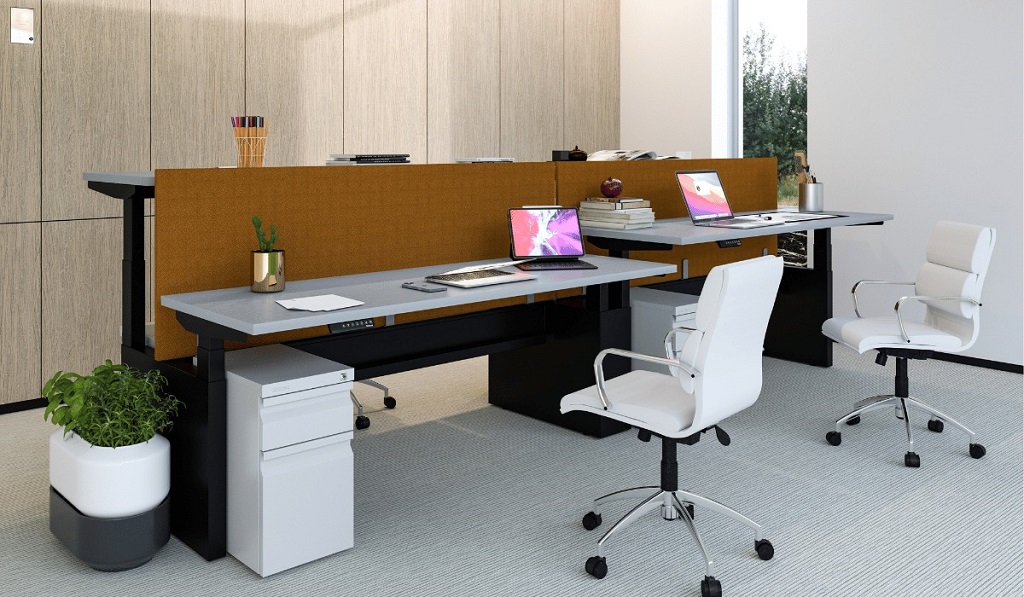
Office equipment impacts employee health and satisfaction. Ergonomically designed desks, chairs, and peripherals reduce the risk of repetitive strain injuries and improve comfort. The Occupational Safety and Health Administration (OSHA) estimates that ergonomic improvements can reduce workplace injuries by 25%.
Moreover, equipment should be user-friendly. Complex machines with steep learning curves lower productivity as employees spend time troubleshooting. When possible, test the equipment in your office environment or seek demos before buying.
Energy Efficiency Matters
Energy consumption affects your operational costs and environmental footprint. The U.S. Environmental Protection Agency (EPA) notes that ENERGY STAR certified office equipment uses 25–50% less energy than standard models. Choosing energy-efficient devices reduces utility bills and demonstrates corporate social responsibility.
Furthermore, many manufacturers offer rebates for energy-efficient purchases, providing financial incentives. It’s wise to check local programs and factor these into your budget.
Vendor Support and Warranty
Reliable vendor support is indispensable when office equipment malfunctions. Equipment downtime can cost businesses thousands per hour. Gartner research shows that 60% of IT-related downtime results from inadequate support services.
Therefore, opt for vendors with strong customer service reputations and clear warranty policies. Extended warranties and service contracts might cost more initially but save money and headaches later.
Scalability and Modular Design
Choosing modular or scalable equipment can be a game changer. Modular devices allow you to upgrade specific parts without replacing the entire unit, extending the lifespan of your equipment.
For instance, some office printers allow you to add extra trays or finishing options as your print volume grows. Similarly, modular desks or storage systems can adapt to expanding teams without complete replacement.
Real-Life Examples
A mid-sized marketing agency recently switched to cloud-compatible multifunction printers after struggling with outdated standalone devices. This change reduced paper jams and allowed remote printing, boosting productivity by 18%. Meanwhile, a law firm invested in ergonomic chairs and adjustable desks, which led to a noticeable decrease in employee absenteeism due to back pain.
These examples illustrate how thoughtfully chosen equipment impacts both performance and employee well-being.
Read More Also: Affordable Power Strips with USB Ports for Workstations
FAQs
- How often should I replace office equipment?
Generally, computers and printers should be replaced every 3-5 years, but this depends on usage intensity and maintenance. Regular evaluations help decide the right timing. - Is leasing office equipment better than buying?
Leasing reduces upfront costs and offers upgrade flexibility but may be more expensive long-term. Buying suits businesses with steady needs and the budget for maintenance. - What office equipment is essential for startups?
Startups should prioritize computers, reliable internet routers, multifunction printers, and ergonomic chairs. These basics support most daily operations efficiently. - How can I ensure equipment compatibility?
Consult IT professionals or vendor representatives to verify that new equipment works with your current systems and software. - What role does energy efficiency play in office equipment?
Energy-efficient devices cut operating costs and reduce environmental impact, making them financially and ethically smart choices. - Should I prioritize brand or price?
Brand reputation often correlates with quality and support, but focus on value. Mid-range products from trusted brands usually balance cost and reliability. - Can I customize office equipment for my business needs?
Yes, many manufacturers offer customizable or modular options to fit unique workflows and future growth.
Final Thought
Learning how to choose the right office equipment for your business is a strategic process that impacts your bottom line and workplace culture. By assessing your specific needs, prioritizing quality and compatibility, and considering ergonomics and energy efficiency, you lay the foundation for a productive, cost-effective office environment. Don’t rush decisions; invest time in research and vendor consultations. Your employees and clients will thank you.