
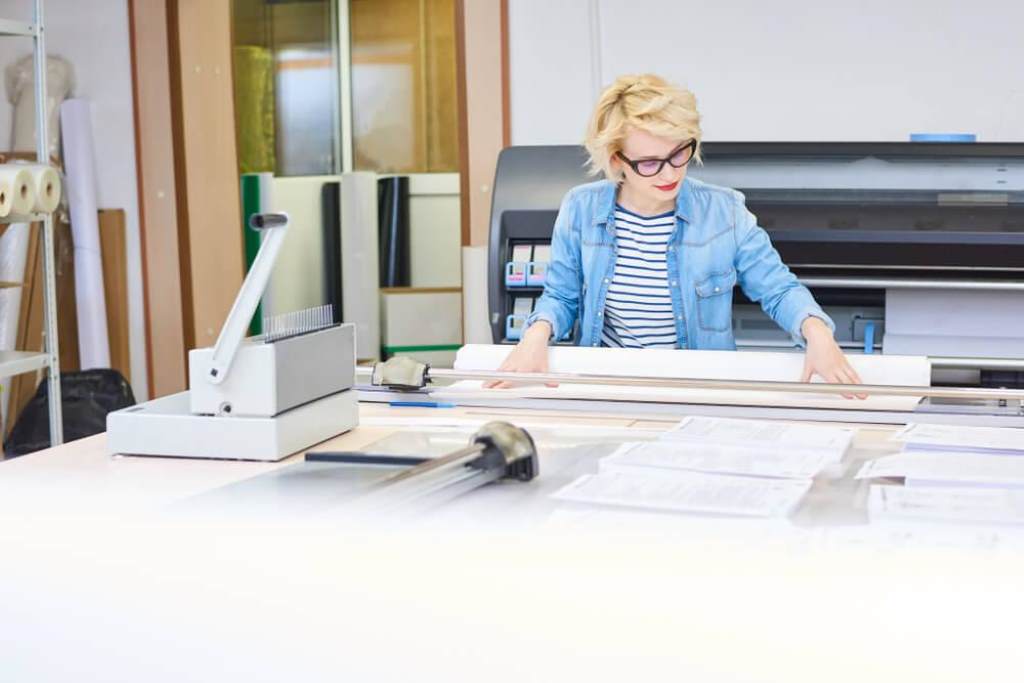
Large format printing is no longer limited to print shops. Today, businesses, students, and creatives across the United States rely on printer paper 11 x 17 for presentations, posters, spreadsheets, and design proofs. According to the United States Government Publishing Office, paper size and quality directly impact readability and document durability. In fact, studies show that high quality paper improves print clarity by up to 30 percent in professional settings.
Choosing the right 11 x 17 printer paper may look simple, yet it plays a major role in how your final output looks and feels. The right paper enhances color, reduces ink bleed, and creates a polished impression. This guide breaks everything down so you can confidently pick the best option for your needs.
What Is 11 x 17 Printer Paper and Why It Matters
11 x 17 paper, also known as tabloid size, offers double the space of standard letter paper. That extra room allows you to present more information without clutter. Because of this, it is widely used for architectural drawings, marketing materials, and spreadsheets.
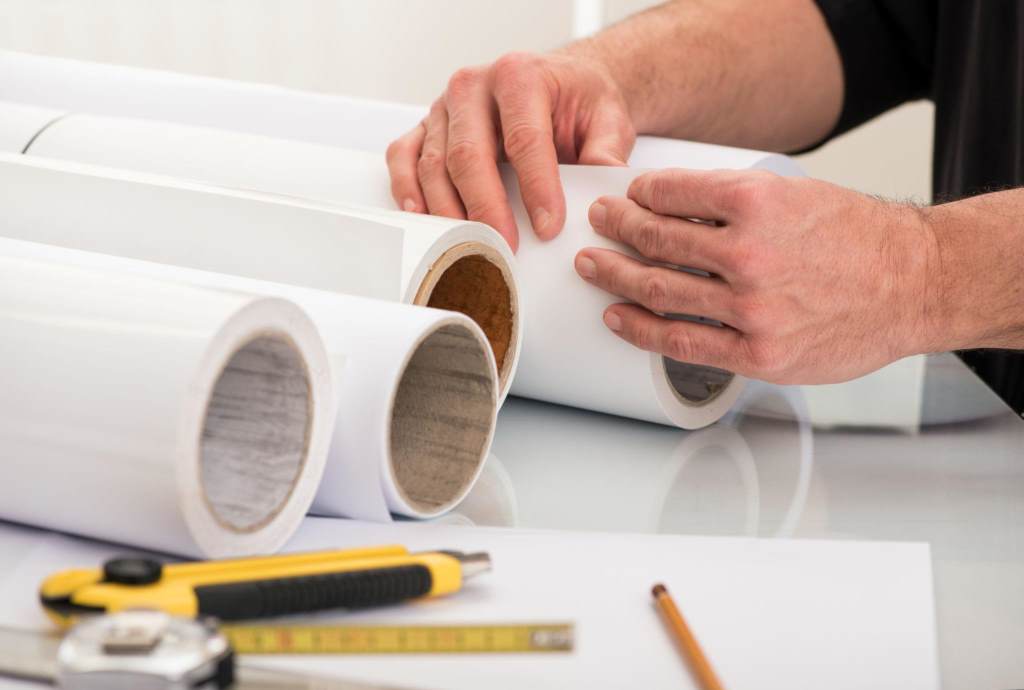
However, size alone does not guarantee great results. Paper thickness, brightness, and finish all influence print quality. When you choose the wrong type, prints may appear dull or smudged. On the other hand, the right selection improves readability and gives your work a professional edge.
Therefore, understanding paper specifications is the first step toward better large format printing.
Key Factors to Consider When Choosing 11 x 17 Printer Paper
Paper Weight and Thickness
Paper weight affects durability and feel. In the United States, weight is measured in pounds. Standard office paper usually ranges from 20 lb to 24 lb, while premium options go higher.
Heavier paper works best for presentations and marketing materials. It resists curling and feels more substantial. Meanwhile, lighter paper suits everyday printing tasks.
Here is a quick guide:
- 20 lb to 24 lb for general office use
- 28 lb to 32 lb for reports and double sided printing
- 60 lb and above for brochures and high quality visuals
Choosing the right weight ensures your prints hold up during handling and display.
Brightness and Whiteness
Brightness refers to how much light the paper reflects. It typically ranges from 92 to 100 in the US market. Higher brightness creates sharper text and more vibrant colors.
For example, a brightness level of 98 or above works well for presentations and graphics. Lower brightness is suitable for internal documents.
Whiteness also plays a role. Cooler white tones enhance contrast, while warmer tones feel softer on the eyes. Selecting the right combination improves both readability and visual appeal.
Paper Finish and Texture
Finish determines how ink sits on the paper. Smooth finishes produce crisp text and detailed images. Textured finishes add character but may reduce sharpness.
Common finishes include:
- Matte for everyday printing and readability
- Glossy for photo quality images and vibrant colors
- Satin for a balance between matte and glossy
Each finish serves a different purpose. Choosing the right one depends on your printing goals.
Compatibility with Your Printer
Not all printers handle every type of paper equally. Inkjet printers work best with absorbent paper that prevents smearing. Laser printers require heat resistant paper to avoid curling.
Before buying, check your printer specifications. Using incompatible paper can lead to jams or poor print quality.
Additionally, some printers support thicker paper better than others. Always match paper type with your device for optimal results.
Opacity and Ink Bleed
Opacity measures how much light passes through the paper. Higher opacity prevents text or images from showing through on the other side.
This is especially important for double sided printing. Low opacity paper can make documents harder to read.
To avoid ink bleed, choose paper designed for your printer type. High quality paper absorbs ink properly and keeps prints clean.
Best Types of 11 x 17 Paper for Different Uses
Office Documents and Reports
For everyday office use, standard weight paper with moderate brightness works best. It keeps costs manageable while delivering reliable performance.
Look for:
- 20 lb to 24 lb weight
- Brightness around 92 to 96
- Matte finish
This combination ensures clear text and smooth printing.
Presentations and Business Materials
Professional documents require higher quality paper. Thicker sheets with higher brightness create a strong impression.
Recommended features:
- 28 lb to 32 lb weight
- Brightness above 96
- Smooth or satin finish
These choices enhance color accuracy and readability.
Marketing Materials and Posters
When visual impact matters, premium paper is essential. Glossy or satin finishes bring out vibrant colors and sharp details.
Ideal options include:
- Heavyweight paper above 60 lb
- High brightness for vivid output
- Coated surface for better ink control
Using the right paper here can significantly improve audience engagement.
Technical Drawings and Blueprints
Architects and engineers need precision. Paper with high opacity and smooth texture ensures fine lines remain clear.
Best features:
- Medium weight paper for easy handling
- High opacity to prevent show through
- Matte finish for accurate detail
This setup supports accurate and professional results.
Common Mistakes to Avoid
Even experienced users make mistakes when choosing paper. Avoiding these errors can save time and improve output quality.
- Ignoring printer compatibility leads to jams and poor results
- Choosing low brightness reduces clarity and contrast
- Using thin paper for double sided printing causes show through
- Selecting glossy paper for text heavy documents reduces readability
By paying attention to these factors, you can achieve better results every time.
Environmental Considerations
Sustainability matters more than ever. Many US consumers now prefer eco friendly paper options. According to the Environmental Protection Agency, recycled paper reduces energy use by up to 40 percent compared to virgin paper production.
Look for certifications such as FSC or recycled content labels. These options support responsible sourcing without sacrificing quality.
Additionally, consider using paper that works well with double sided printing. This reduces waste and lowers overall consumption.
Tips for Getting the Best Print Results
Choosing the right paper is only part of the process. Proper printing techniques also make a difference.
Follow these tips:
- Adjust printer settings based on paper type
- Store paper in a dry environment to prevent curling
- Use high quality ink or toner for consistent output
- Test print before running large batches
These simple steps help you get the most out of your paper choice.
Conclusion
Selecting the best 11 x 17 printer paper requires more than picking the right size. You need to consider weight, brightness, finish, and printer compatibility. Each factor plays a role in how your final print looks and performs.
When you match the paper to your specific needs, you improve clarity, durability, and overall presentation. Whether you print reports, posters, or technical drawings, the right choice makes a clear difference.
Start applying these insights today and upgrade your large format printing results with confidence.
FAQs
What is the best weight for 11 x 17 printer paper?
The best weight depends on your purpose. For everyday use, 20 lb to 24 lb works well. For professional documents, choose 28 lb or higher for better durability and quality.
Can I use 11 x 17 paper in any printer?
Not all printers support tabloid size paper. Always check your printer specifications before buying to ensure compatibility.
Is glossy paper better than matte for large format printing?
Glossy paper enhances colors and images, making it ideal for photos and marketing materials. Matte paper works better for text heavy documents and readability.
How do I prevent ink from bleeding on large paper?
Use paper designed for your printer type. High quality paper absorbs ink properly and reduces smudging or bleeding.
Is recycled 11 x 17 paper good for printing?
Yes, many recycled options offer excellent quality. Look for certified products to ensure performance and environmental benefits.