
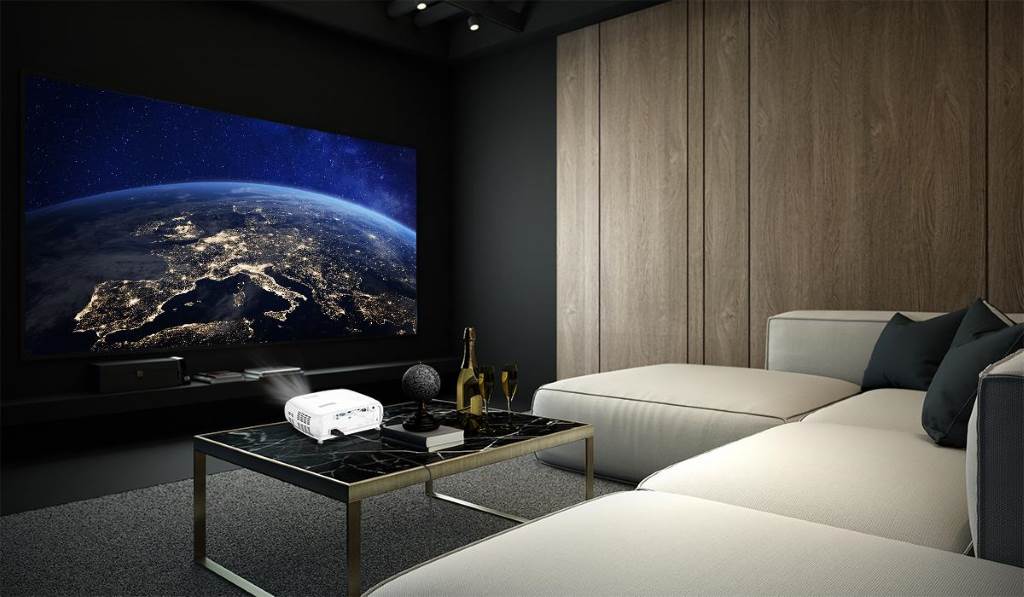
Choosing the right projector screen can transform your viewing experience from average to stunning. Whether you set up a home theater, a classroom, or a business presentation space, the screen plays a critical role in image clarity and brightness. Research from the U.S. Department of Energy shows that proper display surfaces can improve perceived brightness by up to 30 percent. At the same time, studies from educational institutions highlight that clear visuals improve audience retention significantly. So, understanding how to select the perfect projector screen for clear and bright displays helps you get the best performance from your projector while enhancing comfort and engagement.
Why the Projector Screen Matters
A projector alone cannot guarantee a high quality image. The projector screen determines how light reflects toward your eyes. Even a powerful projector can look dull on the wrong surface. On the other hand, a well matched screen enhances brightness, contrast, and color accuracy.
Key Benefits of the Right Screen
- Improves image sharpness and clarity
- Enhances brightness without increasing projector power
- Reduces eye strain during long viewing sessions
- Ensures consistent viewing angles for audiences
Therefore, selecting the right screen is not optional. It is essential.
Understanding Screen Types
Different environments require different screen types. So, you need to match your setup with the right option.
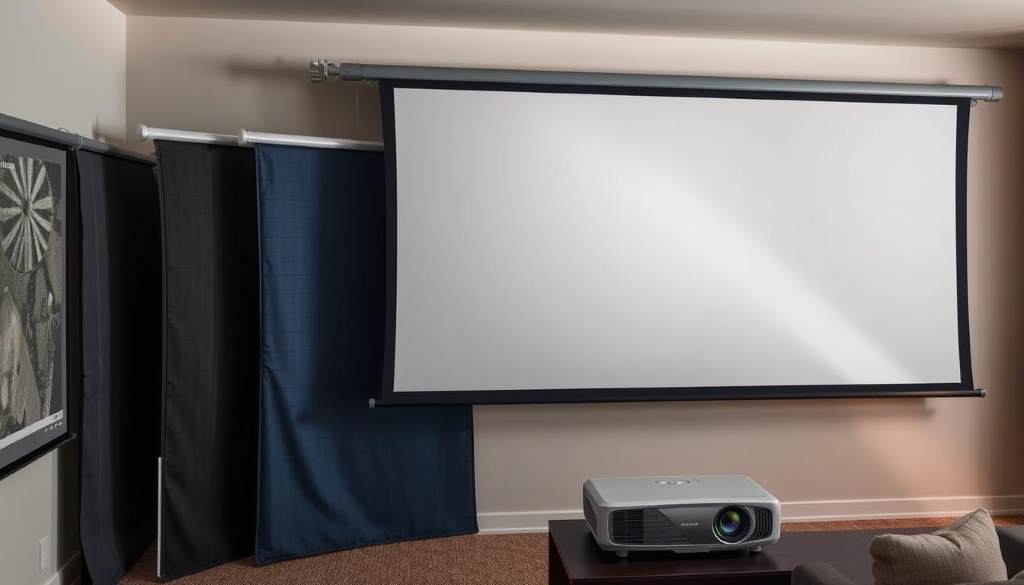
Fixed Frame Screens
These screens stay mounted on a wall. They offer a flat and wrinkle free surface. As a result, they deliver excellent image quality. They work best for dedicated home theaters.
Motorized Screens
Motorized screens roll down when needed and retract when not in use. They suit modern living rooms and offices. They also save space and maintain a clean look.
Manual Pull Down Screens
These are budget friendly and easy to install. However, they may develop slight waves over time. Still, they remain a practical choice for classrooms.
Portable Screens
Portable screens are lightweight and easy to move. They are ideal for outdoor events or temporary setups. Yet, they may not match the stability of fixed options.
Choosing the Right Screen Material
Screen material directly affects brightness and viewing quality. So, you must understand the common types.
Matte White Screens
Matte white surfaces distribute light evenly. They provide natural colors and wide viewing angles. Therefore, they are the most popular choice.
High Gain Screens
These screens reflect more light toward the viewer. They increase brightness, especially in rooms with ambient light. However, they narrow the viewing angle.
Ambient Light Rejecting Screens
These advanced screens block unwanted light. They improve contrast in bright rooms. As a result, they work well in living rooms and offices.
Screen Size and Aspect Ratio
Screen size impacts immersion and comfort. Choosing the wrong size can strain your eyes or reduce clarity.
How to Pick the Right Size
Follow these guidelines:
- Measure the distance between seating and screen
- Choose a screen that fills your field of view without overwhelming it
- Maintain a comfortable viewing distance
Common Aspect Ratios
- 16:9 for movies and streaming
- 4:3 for presentations and classrooms
- 35:1 for cinematic experiences
Selecting the right ratio ensures content displays correctly without distortion.
Gain and Viewing Angle Explained
Screen gain measures how much light reflects back to viewers. Understanding this helps you balance brightness and viewing comfort.
Low Gain Screens
- Offer wide viewing angles
- Provide consistent brightness
- Best for larger audiences
High Gain Screens
- Increase brightness in specific directions
- Work well in controlled seating setups
- May cause uneven brightness across the screen
Therefore, choose based on your seating arrangement.
Room Lighting Conditions
Lighting conditions significantly affect screen performance. Even the best screen cannot overcome poor lighting setup.
Tips for Different Environments
- Dark rooms: Use matte white screens for accurate colors
- Bright rooms: Choose ambient light rejecting screens
- Mixed lighting: Opt for moderate gain screens
Additionally, control light sources where possible to improve results.
Installation and Placement Tips
Correct placement enhances viewing quality. Even a great screen can underperform if installed poorly.
Best Practices
- Mount the screen at eye level
- Avoid placing it opposite strong light sources
- Ensure the screen is perfectly flat
- Maintain proper distance from the projector
Matching Screen with Projector Specifications
Not all screens work well with every projector. You need to align both for optimal performance.
Key Factors to Consider
- Projector brightness measured in lumens
- Resolution such as Full HD or 4K
- Throw distance and lens type
For example, a low brightness projector benefits from a higher gain screen. Meanwhile, high resolution projectors perform best with smooth surfaces.
Maintenance and Longevity
Proper care extends the life of your screen and maintains image quality.
Simple Maintenance Tips
- Clean the surface gently with a soft cloth
- Avoid harsh chemicals
- Store retractable screens properly
- Keep the screen away from moisture
Consistent care ensures long term performance.
Common Mistakes to Avoid
Many users overlook important factors when choosing a projector screen.
Avoid These Errors
- Ignoring room lighting conditions
- Choosing the wrong screen size
- Overlooking screen material
- Misaligning the projector and screen
By avoiding these mistakes, you improve both clarity and brightness.
Real World Example
Consider a small office conference room. The team installed a high brightness projector but used a basic wall as the screen. As a result, the image looked dull and washed out. After switching to an ambient light rejecting screen, brightness and clarity improved instantly. This example shows how the right screen makes a noticeable difference.
Conclusion
Selecting the perfect projector screen for clear and bright displays requires careful consideration of screen type, material, size, and lighting conditions. Each factor plays a role in delivering sharp and vibrant visuals. When you match the screen with your environment and projector, you unlock the full potential of your setup. Take time to evaluate your needs and apply the tips shared here. Start upgrading your viewing experience today with the right screen choice.
FAQs
What is the best projector screen for home use?
Matte white screens work best for home theaters with controlled lighting. They provide balanced brightness and natural colors.
How does screen gain affect image quality?
Higher gain increases brightness but reduces viewing angle. Lower gain offers wider visibility with consistent brightness.
Can I use a wall instead of a projector screen?
You can, but it often reduces image clarity and brightness. A dedicated screen improves performance significantly.
What size projector screen should I choose?
Select a size based on your viewing distance. The screen should fill your view comfortably without causing strain.
Do ambient light rejecting screens really work?
Yes, they reduce the impact of surrounding light and improve contrast in bright environments.