
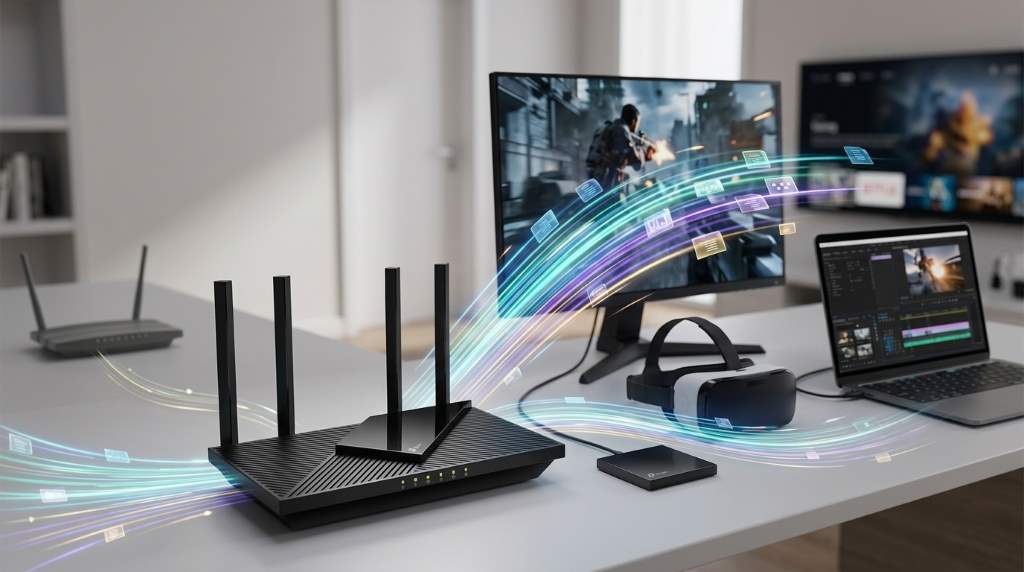
The TP-Link Archer AX21 can reach a theoretical 1,775 Mbps across both bands. Its 5 GHz band reaches 1,201 Mbps, while 2.4 GHz reaches 574 Mbps. In real homes, performance depends heavily on distance, interference, device capability, and network traffic. Therefore, the AX21 works best as a fast dual-band router for moderate broadband plans.
The TP Link Archer AX21 Wifi 6 Router targets users who want Wi-Fi 6 without paying flagship-router prices. It combines four antennas, beamforming, OFDMA, and Gigabit Ethernet ports. Those features help the router maintain useful performance across everyday connected devices. More importantly, its advertised speed needs careful interpretation before you compare it with your internet plan.
What the AX21 Speed Rating Actually Means
TP-Link labels the Archer AX21 as an AX1800 router because its bands combine two advertised capacities. The 5 GHz band provides up to 1,201 Mbps, while the 2.4 GHz band provides up to 574 Mbps. These figures represent wireless link rates rather than guaranteed internet speeds. Your actual throughput will almost always fall below those theoretical numbers.
The two bands also serve different practical purposes inside a home network. The 5 GHz band generally delivers higher throughput at shorter distances. Meanwhile, 2.4 GHz travels farther and handles obstacles better, but usually provides lower speeds.
| Feature | Archer AX21 specification | Practical meaning |
|---|---|---|
| Wi-Fi standard | Wi-Fi 6 | Improves efficiency with compatible devices |
| 5 GHz speed | 1,201 Mbps | Best choice for high-speed wireless tasks |
| 2.4 GHz speed | 574 Mbps | Better reach and compatibility |
| WAN port | 1 Gbps | Limits wired internet throughput |
| LAN ports | 4 × 1 Gbps | Useful for wired PCs, consoles, and TVs |
| Wireless bands | 2.4 GHz and 5 GHz | Dual-band operation |
How Fast Is the Archer AX21 in Real Use?
Real-world performance depends more on radio conditions than the number printed on the router box. A compatible Wi-Fi 6 client close to the router can achieve strong 5 GHz throughput. However, walls, neighboring networks, device limitations, and interference can reduce that result substantially.
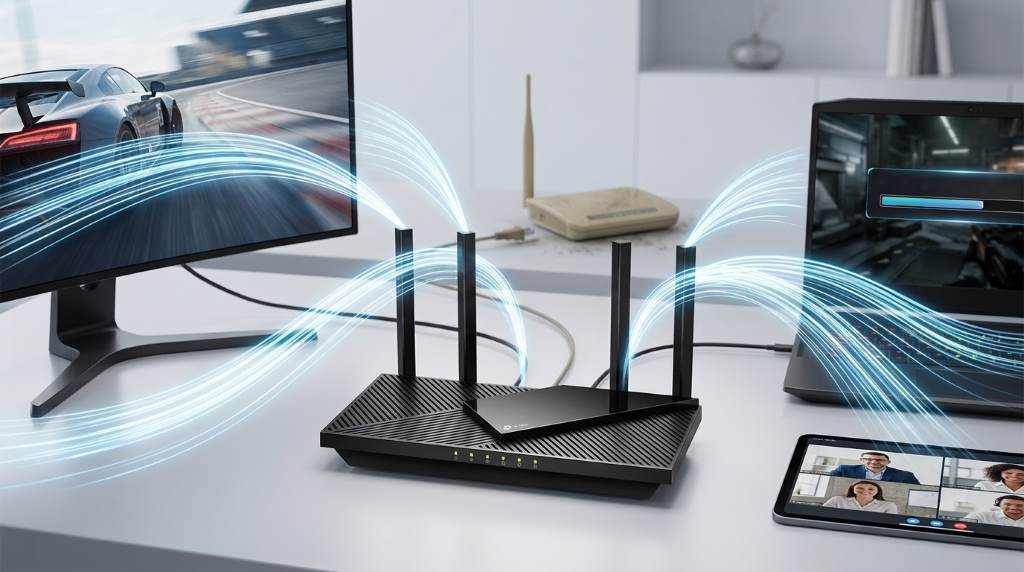
Independent testing places the AX21 among routers capable of supporting internet connections around 700 Mbps. That makes it a sensible match for many fast cable and fiber plans. However, you should not expect every wireless device to approach 1,201 Mbps during ordinary downloads.
For example, a modern laptop near the router can take strong advantage of 5 GHz Wi-Fi 6. A budget phone using an older Wi-Fi generation may achieve considerably less. Consequently, the slowest major component often determines your practical experience.
5 GHz Performance
The 5 GHz band represents the AX21’s main performance advantage. It offers the router’s highest advertised wireless rate and usually provides the fastest connection for nearby devices. Therefore, use 5 GHz for streaming, large downloads, video calls, and demanding everyday workloads.
However, 5 GHz signals lose strength faster than 2.4 GHz signals. Thick walls and multiple floors can reduce throughput quickly. As the signal weakens, your device may switch to slower modulation rates to preserve connection stability.
2.4 GHz Performance
The 2.4 GHz band reaches a theoretical 574 Mbps with compatible Wi-Fi 6 devices. Although that number looks slower, the band remains useful for distant rooms and smart-home equipment. Its longer reach can provide a more dependable connection through obstacles.
Still, 2.4 GHz often suffers greater congestion because many household devices use this spectrum. Bluetooth equipment, older wireless devices, and nearby routers can increase interference. Therefore, distance alone should not determine which band you choose.
Why Your Speed May Differ From 1,201 Mbps
Wireless speed involves several layers between your router and the internet. Your router, client device, broadband service, channel conditions, and network configuration all influence final throughput. A high router rating cannot overcome a slower internet subscription or weak wireless signal.
Your client device also matters because Wi-Fi 6 supports multiple performance levels. A smartphone with fewer antennas cannot match a laptop with a stronger wireless adapter. Likewise, an older Wi-Fi 5 device cannot exploit every efficiency improvement offered by Wi-Fi 6.
Distance creates another major performance variable. Moving a laptop several rooms away can reduce throughput even when the connection remains active. Therefore, strong signal quality matters more than simply seeing full Wi-Fi bars.
Internet Plan Limitations
Suppose your internet plan provides 300 Mbps. A router capable of 1,201 Mbps cannot make that subscription deliver gigabit internet. The AX21 can provide wireless capacity beyond your plan, but your ISP connection remains the external bottleneck.
The same principle applies to gigabit service. The AX21 uses a 1 Gbps WAN port, so its wired internet ceiling sits around that port’s capacity. Protocol overhead and real-world conditions also prevent perfectly matching the advertised port rate.
Wireless Interference
Interference can reduce wireless performance even when your router sits close to the client. Nearby access points may compete for overlapping channels and airtime. Busy apartment buildings can therefore produce weaker results than quieter residential environments.
The AX21 lacks DFS support, which limits access to some less congested 5 GHz channels. That limitation matters more in crowded wireless environments. In a quieter home, however, the restriction may have little noticeable impact.
Wi-Fi 6 Features That Affect Speed
The AX21 does more than increase peak wireless rates. Its Wi-Fi 6 features help manage multiple connected devices more efficiently. That advantage becomes clearer when several phones, computers, televisions, and smart devices share the network.
OFDMA
OFDMA lets compatible devices share wireless resources more efficiently during network activity. Instead of treating every transmission as a large individual exchange, the router can divide available resources. This approach can reduce unnecessary waiting when many devices communicate.
Therefore, OFDMA can improve network responsiveness without increasing the router’s headline speed. Its biggest benefit appears in busy households rather than during a single-device speed test. You also need compatible clients to receive the full benefit.
Beamforming
Beamforming helps focus wireless transmission toward compatible client devices. The AX21 combines this feature with four external antennas for broader signal distribution. Placement still matters, because beamforming cannot eliminate physical barriers.
Airtime Fairness
Airtime Fairness helps prevent slower clients from consuming disproportionate wireless airtime. This feature can become useful when older devices share the network with modern Wi-Fi 6 hardware. Consequently, newer devices may maintain more consistent performance during busy periods.
AX21 Speed for Streaming, Gaming, and Downloads
For 4K streaming, the AX21 offers more than enough theoretical wireless capacity. A strong 5 GHz connection should comfortably handle typical high-resolution streaming demands. Multiple simultaneous streams also benefit from the router’s dual-band design and Wi-Fi 6 efficiency.
Gaming depends on latency and stability rather than raw download speed alone. The AX21 provides adequate latency for casual online gaming when conditions remain favorable. Competitive players should still prefer Ethernet because wired connections usually provide more predictable latency.
Large downloads can take strong advantage of the 5 GHz band when your client supports fast Wi-Fi. However, download servers and internet congestion can become separate bottlenecks. For local file transfers, both endpoints also need fast network adapters and storage.
How to Get the Best Speed From the AX21
Router placement can produce a surprisingly large difference in wireless performance. Put the AX21 in a central, elevated location rather than inside a cabinet. Keep it away from thick walls, large metal objects, and sources of electronic interference.
- Use 5 GHz for nearby high-performance devices.
- Use 2.4 GHz for distant or low-bandwidth devices.
- Keep firmware updated for stability and security improvements.
- Use Ethernet for latency-sensitive gaming when practical.
- Place the router centrally instead of near an exterior wall.
- Test speeds at several distances before changing hardware.
You should also test each important device separately. Run one speed test near the router, then repeat it from typical working locations. This approach reveals whether your limitation comes from the router, wireless environment, or client device.
When possible, compare wired and wireless results from the same location. A wired test establishes a useful baseline for your internet connection. You can then judge wireless performance against that baseline instead of relying on advertised numbers.
Is the AX21 Still Fast Enough?
The Archer AX21 remains fast enough for many homes that need dependable Wi-Fi 6 performance. Its 1,201 Mbps 5 GHz rating provides substantial headroom for streaming, downloads, browsing, and remote work. Its Gigabit Ethernet ports also support conventional wired networking needs.
However, newer Wi-Fi standards now offer capabilities beyond the AX21. Wi-Fi 6E introduces a 6 GHz band, while Wi-Fi 7 adds newer performance technologies. Users buying premium hardware for multi-gigabit service should therefore consider newer routers.
The AX21 makes more sense when your priorities favor practical value over cutting-edge specifications. It suits apartments, smaller homes, moderate multi-device networks, and broadband plans below gigabit capacity. Larger homes may need additional access points because standalone coverage cannot overcome every structural barrier.
AX21 Versus Newer Router Technology
The biggest gap between the AX21 and newer models involves wireless generation and wired capacity. Newer Wi-Fi 7 routers can offer faster peak rates and 6 GHz support. Some also include 2.5 Gbps or faster Ethernet ports.
| Use case | AX21 suitability | What to consider |
|---|---|---|
| 300 Mbps internet | Excellent | Strong practical fit |
| 500 Mbps internet | Very good | 5 GHz placement matters |
| Gigabit internet | Good | Limited by 1 Gbps Ethernet |
| Large multi-floor home | Moderate | Consider additional coverage |
| Competitive gaming | Good with Ethernet | Prioritize stable wired latency |
| Multi-gigabit service | Limited | Choose a router with faster ports |
Who Should Buy the Archer AX21?
The AX21 makes sense for households seeking affordable Wi-Fi 6 without premium networking features. It offers strong everyday performance for browsing, streaming, work, and ordinary gaming. Its dual-band design also supports a broad range of existing wireless devices.
It becomes less compelling when you need multi-gigabit networking or a dedicated 6 GHz band. Similarly, very large homes may require mesh equipment instead of relying on one router. Your internet plan and floor layout should therefore guide the buying decision.
Frequently Asked Questions
Is the TP-Link Archer AX21 actually fast?
Yes, the AX21 provides strong Wi-Fi 6 performance for many broadband plans up to roughly 700 Mbps.
What is the maximum speed of the Archer AX21?
Its theoretical combined rating reaches 1,775 Mbps, with 1,201 Mbps on 5 GHz and 574 Mbps on 2.4 GHz.
Can the AX21 handle gigabit internet?
Yes, but its 1 Gbps WAN port limits practical wired internet throughput around gigabit-class speeds.
Is the AX21 good for gaming?
Yes, it works well for casual gaming, while competitive players should use Ethernet for more consistent latency.
Does the AX21 support Wi-Fi 6E?
No, the AX21 supports Wi-Fi 6 on 2.4 GHz and 5 GHz without a 6 GHz radio.
Final Verdict
The TP-Link Archer AX21 delivers a strong balance between wireless speed, efficiency, and practical home networking. Its 5 GHz performance provides the most useful speed, while 2.4 GHz improves reach and device compatibility. Real-world results still depend heavily on placement, client hardware, interference, and broadband capacity.
If your home uses a moderate broadband plan and several everyday devices, the AX21 remains a capable choice. Before upgrading, test your current wireless performance and compare it against your internet plan. If you need more coverage or multi-gigabit performance, consider newer hardware with faster ports and newer Wi-Fi standards.
For the best results, position the AX21 centrally, prioritize 5 GHz for demanding devices, and use Ethernet when latency matters. These simple changes can help you extract considerably more practical performance from the router. Choose the AX21 when its capabilities match your network needs, rather than buying based solely on its headline speed.